Font Rendering - Mac vs Ubuntu
**EDIT
If you looking for much thinner fonts on MAC, try following command and quit the application and open again
<pre><code style='font-size: 14px; font-style: normal;'>defaults -currentHost write -globalDomain AppleFontSmoothing -int 1</code></pre>
I have been using Ubuntu for a while. Despite minor issues, Ubuntu works great for me. (Luckily I had no big issues with the hardware). But I wanted to try a Mac and I recently bought a Mac Book Pro with Mountain Lion.
Everything is good, I had no issues with apps I use, including dev apps. And it has some great hardware which is the another reason why I picked a one.
Font Rendering
For a developer like me, font rendering is very important since, I always work with code, read stuff and do many things with letters most of the time. Ubuntu renders font really good and it’s ubuntu font is really cool. After installing Windows fonts, It looks really cool on the web too.
For me Mac’s font rendering looks so weired mostly on the Web. I copied windows fonts to the fonts folder as I did in Ubuntu but still no luck.
I hope things will be better with next releases.
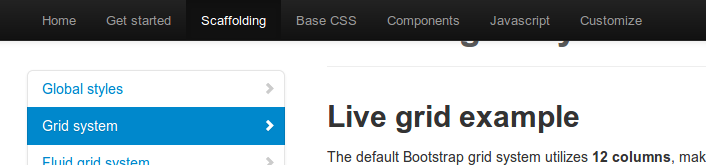
See the difference with following screenshots, captured in both Mac and Ubuntu.
Gmail
- On Mac

- On Ubuntu

Bootstrap Web Site
- On Mac
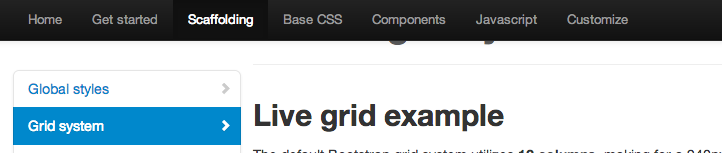
- On Ubuntu
My Blog with Open Sans
- On Mac
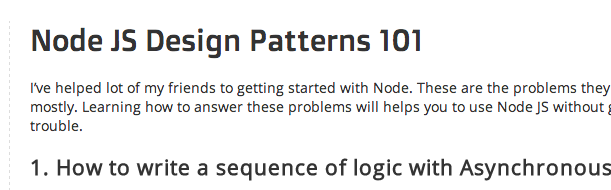
- On Ubuntu

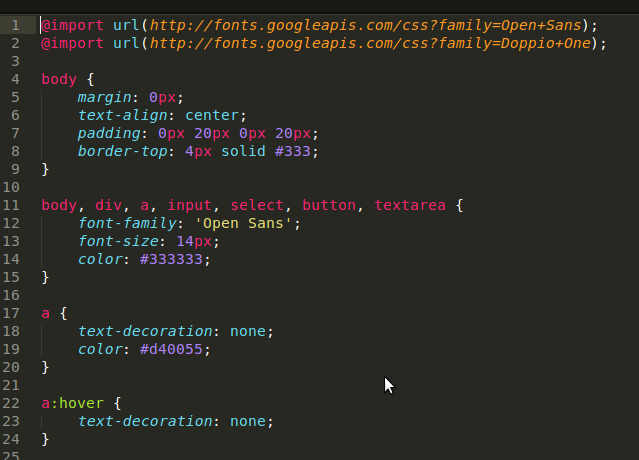
Sublime Text 2
In this case OSX looks great.
- On Mac
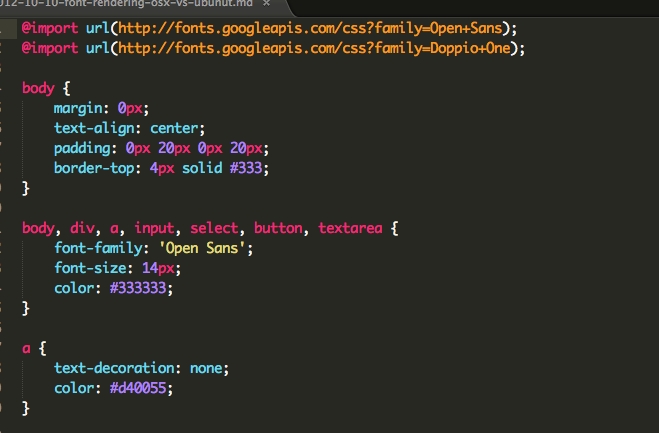
- On Ubuntu